

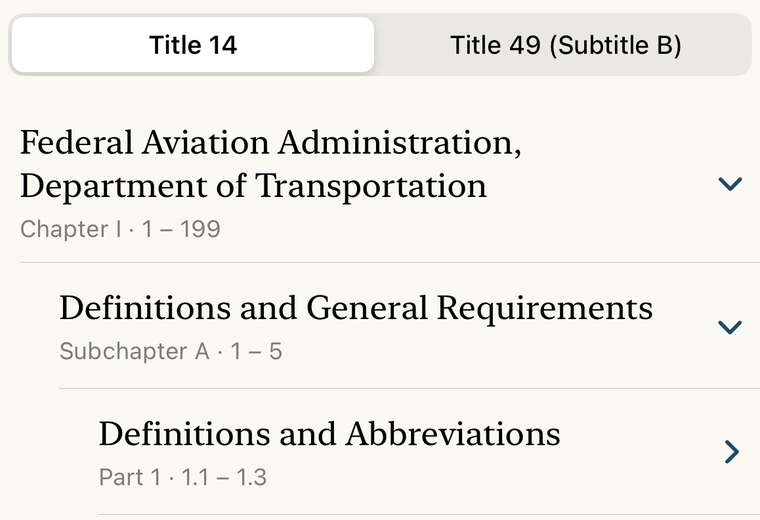
FAR
Find a section of Title 14, read the source, and keep useful passages with bookmarks and highlights.
Inside FAR AIM
Seven practical guides, with real app screens. Choose the task in front of you.
Find a section of Title 14, read the source, and keep useful passages with bookmarks and highlights.
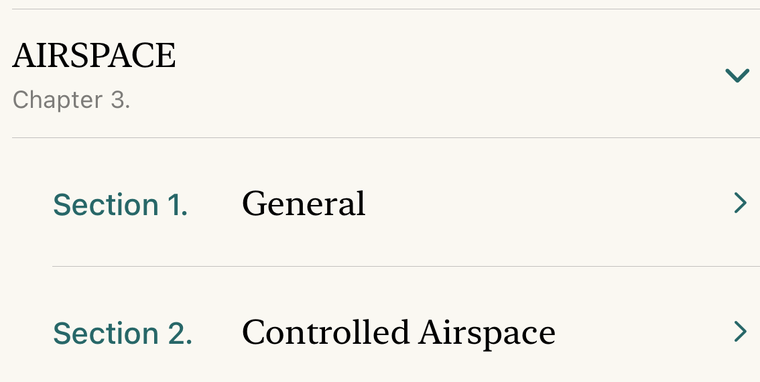
Browse the Aeronautical Information Manual, look up a glossary term, and save useful flight information in FAR AIM.
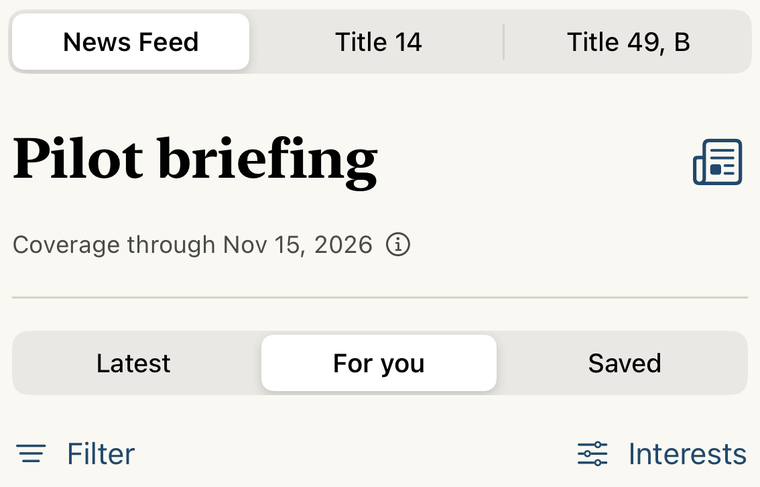
Review aviation news, regulation comparisons and effective dates, then check the FAR AIM reference downloaded to your device.
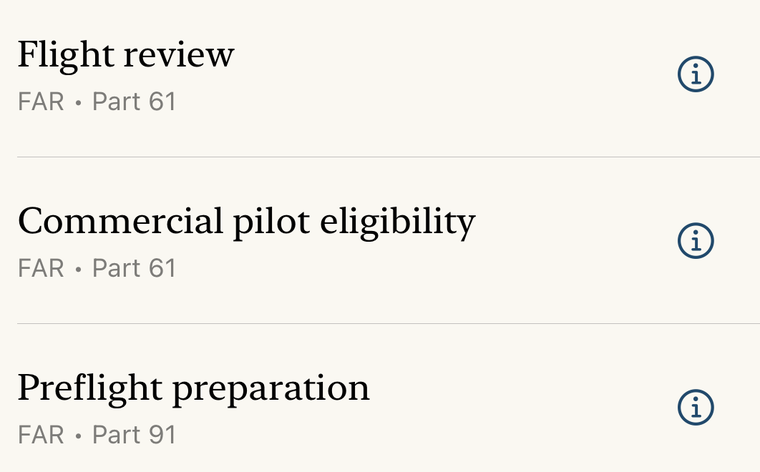
Save FAR and AIM pages, put them in a reading order, and share an assignment students can preview and import.
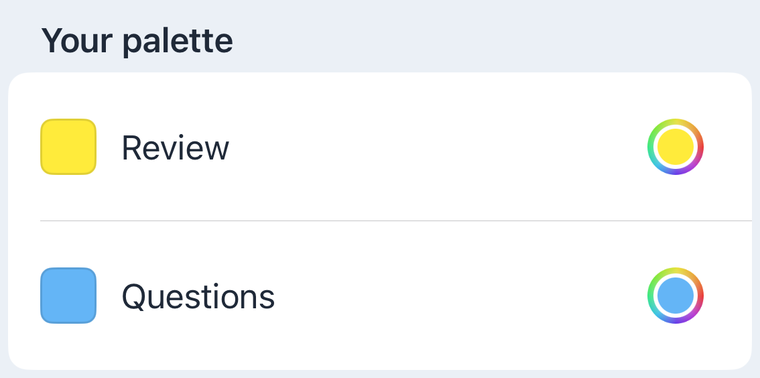
Highlight a FAR or AIM passage, name your colors, find saved words, and review a highlight when source text changes.
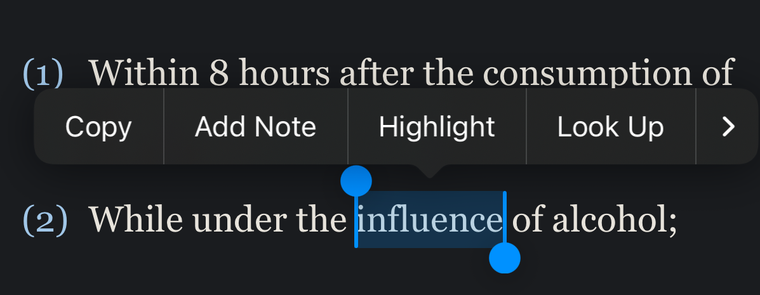
Attach a note to a FAR or AIM passage. Find it in Saved or Super Search and return to its source with Open Passage.
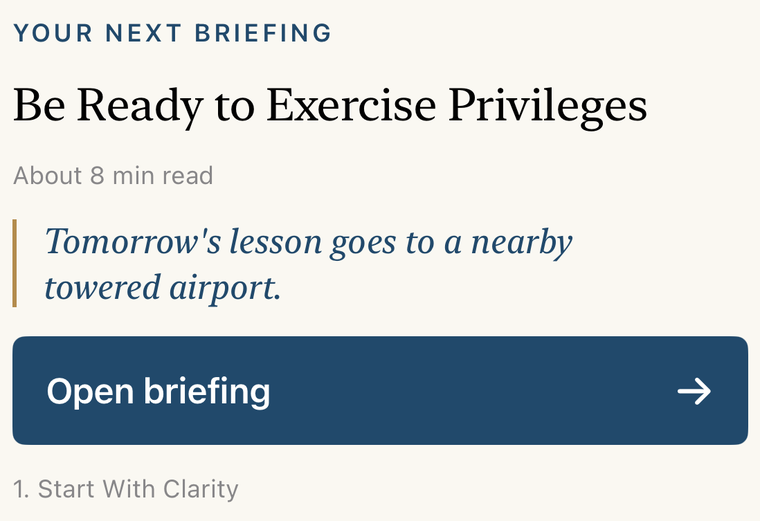
Prepare for your next flight lesson with FAR AIM briefings, source references and questions to review with your instructor.
Your next lesson starts with a question.
FAR AIM for iPhone and iPad. iOS or iPadOS 18 or later.
One purchase. No subscription.
See your local price on the App Store.